/eh/2025-01-08/173633966714069467/picture.png)

/eh/2024-12-24/173503345348979036/Favorite-Icon.png)
/eh/2025-07-08/1751962110204480194/picture.png)
/eh/2025-06-21/1750485478958537574/countryInfoIcon.png)
/eh/2025-06-21/1750485741321434291/Hi-Sign-in-My-Nihao.png)
/eh/2025-06-21/1750485837193896318/cart.png)
/eh/2025-06-21/1750485968202533847/cart.png)
/eh/2025-04-17/1744862476612819675/hot-img.png)
/eh/2025-11-07/1762504524550532584/header-icon.jpg)
/eh/2025-07-07/1751875582852206790/header-icon.png)
/eh/2025-07-07/1751875587886277738/header-icon.png)

Best in 7 days


Shopping security
Dive into an astonishing breadth and depth of color, with realistic accuracy of 99% Adobe RGB and 98% DCI-P3 coverage and the capability to display over 1 billion colors. This Pantone Validated and Pantone SkinTone Validated display lets you choose from presets for all relevant color spaces used in web design, print design, photography, and video. Combined with HDR Gamma support, beautiful 4K resolution, and 120HZ refresh rate, your eyes will fall in love with Wacom Cintiq Pro 27 over and over again.
NEW! Wacom Pro Pen 3
From the inside out, Wacom Pro Pen 3 can be configured to your favorite feel. With customizable weight, grip thickness, pen buttons and center of balance, find the configuration that suits your style. This tailor-made approach to design delivers an unforgettable creative experience.
Bring Your Ideas to Life with a Wave of Your Hand
Intuitive multi-touch gestures, like panning, zooming and rotating, allow you to completely immerse yourself in your creative process. Seamlessly switching between touch gestures and pen strokes in a single move.
Create with Full Fluitivity
Engineered to let professionals work and move in complete harmony, Wacom Cintiq Pro 27 requires either the Wacom Cintiq Pro 27 Stand* or a compatible VESA 100 monitor arm*. The Wacom Cintiq Pro 27 Stand is designed specifically to bring maximum comfort, flexibility and stability to any desktop studio or remote workspace and allows for rapid adjustment of the height, angle or up to 20 degrees** of rotation in each direction for drawing with natural hand movements.
* - Required stand or monitor arm sold separately.
** - Compatible monitor arm required for 180 degrees of display rotation (Landscape to Portrait).
Settings as Unique as Your Art
Your great taste doesn't stop at your creations, it expands to the way you create too. The all new driver interface provides many new options to speed up and simplify your creative experience, including customizable pen gestures and on-screen pen and touch controls. With this, you have a degree of control never before seen on a Wacom pen display.
Create at the Speed of Imagination
Never break your flow with the freedom of ExpressKeysTM. Repositioned in the new rear grip of the display, each key is a shortcut of your choosing. This intuitive design gives you access to your favorite shortcuts before you realize you need them.
Wacom Pen
Wacom Screen
Wacom Performance
Linux Support
Because Wacom's products are standard tools across the Media and Entertainment industry, Wacom Cintiq Pro 27 (and all of their professional products) are supported for easy integration into your studio or professional workflow. Wacom's reliable plug and play experience is unmatched in the industry, with no driver download necessary, and is compatible with all modern Linux distributions for local and virtualized systems. In addition, Wacom offers focused technical support and consultancy for enterprise clients to make sure that their products are working in your specific implementation.
Includes FREE!* Software
* To get your 3- or 6-months complimentary access you need to sign-in or create a Wacom ID with your personal data and register your device. Some apps may also requiring registering with them.
CorelDRAW Graphics Suite 2025 is THE choice for professional graphic design software. Embark on a design journey with powerful tools for vector illustration, layout, photo editing, and typography.
CorelDRAW Graphics Suite 2025 includes:
Create beyond limits with CorelDRAW Graphics Suite 2025, packed with new features, content, and enhancements to propel your productivity into hyper speed.
Expand your artistic universe with CorelDRAW Web, a powerful browser-based version of CorelDRAW for flexible creativity. Available exclusively to subscribers, CorelDRAW Web offers the full CorelDRAW experience in the cloud, enabling you to design without limitations, beyond the desktop.
Plus, enjoy accelerated creativity with enhancements to design tools and print workflows, improved performance and security, and more content—from additional Google Fonts to subscriber-exclusive brushes.
NEW! Features of CorelDRAW Graphics Suite 2025 include:
Other Features include:
Vector Illustration

Use CorelDRAW's powerful vector illustration tools to turn basic lines and shapes into complex works of art. Create curves with many versatile shaping and drawing tools. Add creative effects to your vector artwork with effect tools like Contour, Envelope, Blend, Mesh Fill, and more.
Page Layout

Find all the tools you need to create layouts for brochures, multi-page documents and more. Toggle between single page and multipage editing, giving you creative freedom to work the way you want.
Photo Editing

Adjust color and tone, remove imperfections, correct perspective and more with Corel PHOTO-PAINT's powerful layer-based photo editing tools. Improve the size and quality of your images with artificial intelligence.
Typography

Arrange type beautifully with a complete set of typography tools. Add effects to text like block shadows and contours. Fine-tune fonts responsively with variable font support, fit text to paths, and more.
Font Management

Organize and manage your font library with the intuitive Corel Font Manager, and use your favorite fonts without having to install them. Work faster with fonts using the network storage feature, and enjoy direct access to over 1,700 Google Fonts families.
Non-Destructive Editing
Edit bitmaps and vectors knowing you won't harm the original image or object. Create block shadows, symmetrical illustrations, and perspective drawings all non-destructively. Apply a number of reversible adjustments and effects in CorelDRAW and Corel PHOTO-PAINT.
Design for Print or Web
Experience flawless publishing and output—every time. Master color consistency across different media knowing your colors are accurate before you print.
Access Pantone color palettes in CorelDRAW and Corel PHOTO-PAINT—free of charge. With cutting-edge and timeless hues at your fingertips, you can set precise, vibrant color expectations for every project.
Bitmap to Vector Tracing
Enjoy exceptional bitmap-to-vector trace results with the impressive AI-assisted PowerTRACE™. Benefit from advanced image-optimization options that help improve the quality of a bitmap as you trace it.
Styles and Style Sets
The Object Styles docker makes it a breeze to manage styles and style sets to apply consistent formatting across multiple objects, produce iterative versions, and format whole documents quickly and consistently.
Unparalleled Object Control
Control every element in your document with a handy Objects docker that allows you to hide, rename, search for objects, and change their stacking order. Bring objects into focus to edit in isolation without the risk of losing your selection due to a stray click.
Workspace Customization
Adapt your design space to match your workflow needs. Seamlessly import CorelDRAW and Corel PHOTO-PAINT workspaces that were created in previous versions or use predefined workspaces to keep industry-specific tools organized and accessible.
Draw in Perspective
Draw objects or illustrated scenes in perspective, faster and easier than ever. Choose from 1, 2, or 3-point perspective, draw or add an existing group of objects on a shared perspective plane, and move and edit objects freely without losing perspective.
Color, Fills & Transparencies
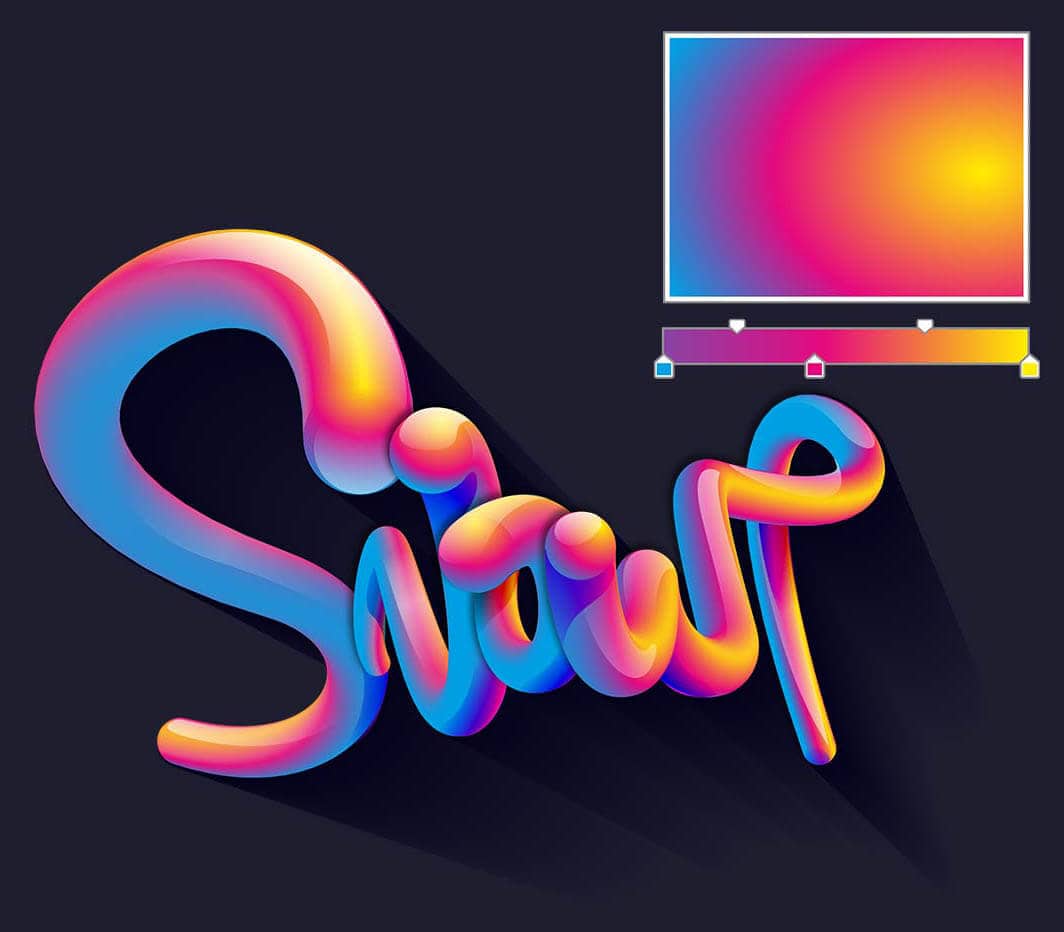
Easily apply color to fills and outlines using color swatches, or generate colors based on color harmonies. Change the transparency of an object and fill objects with patterns, gradients, mesh fills, and more.
Extensive File Compatibility
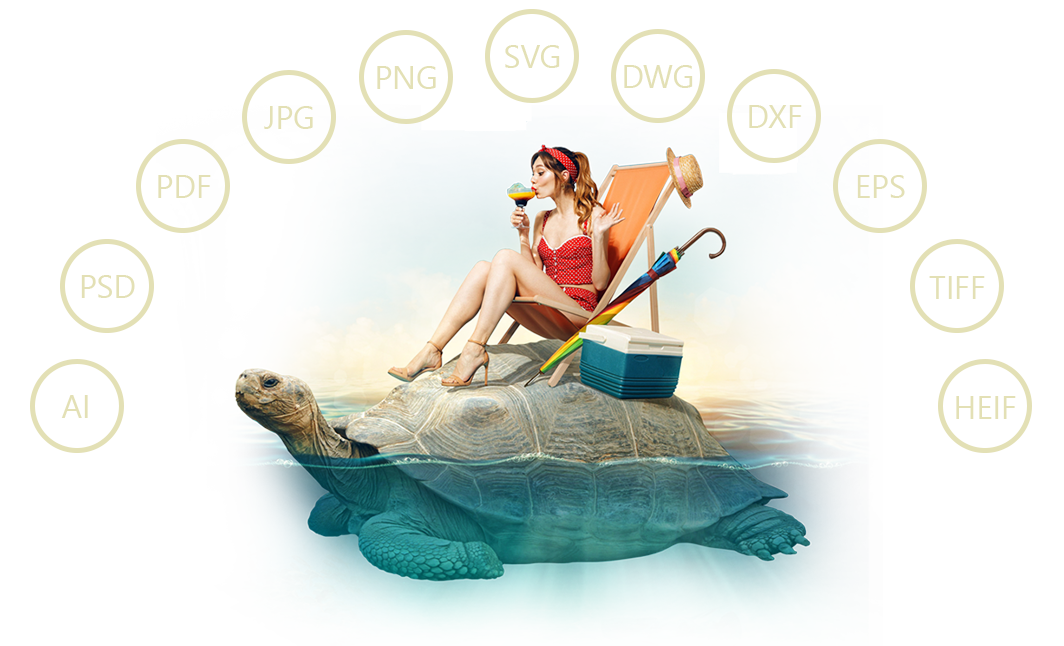
Easily import and export a variety of project assets based on client-provided files or needs, thanks to support for an immense list of graphics, publishing and image file formats.
And Much, Much More!
System Requirements:
Mac
Windows:
*Note: An authenticated version of CorelDRAW Graphics Suite and Internet connection are required to access some of the included software components, online content and features.
Ships within 48 hours · Estimated delivery Jun 23 - Jun 28
US$40
Get nowSign up to your membership to get coupons up to
15%
Get nowOpportunity to enjoy order discount up to 15% off
Top-Converting Item to Boost Your Average Order


